Preparing an update of dentalcnc 8 or lower

Workflow Setting up dentalcnc machines.

When updating dentalcnc 8 or lower, the machine configuration must be transferred to dentalcnc 9 during the first connection. The procedure varies depending on the dentalcnc version you are using.

If you are setting up a machine that was delivered with dentalcnc 9, you can skip this step. Skip >

Which dentalcnc version are you currently using?

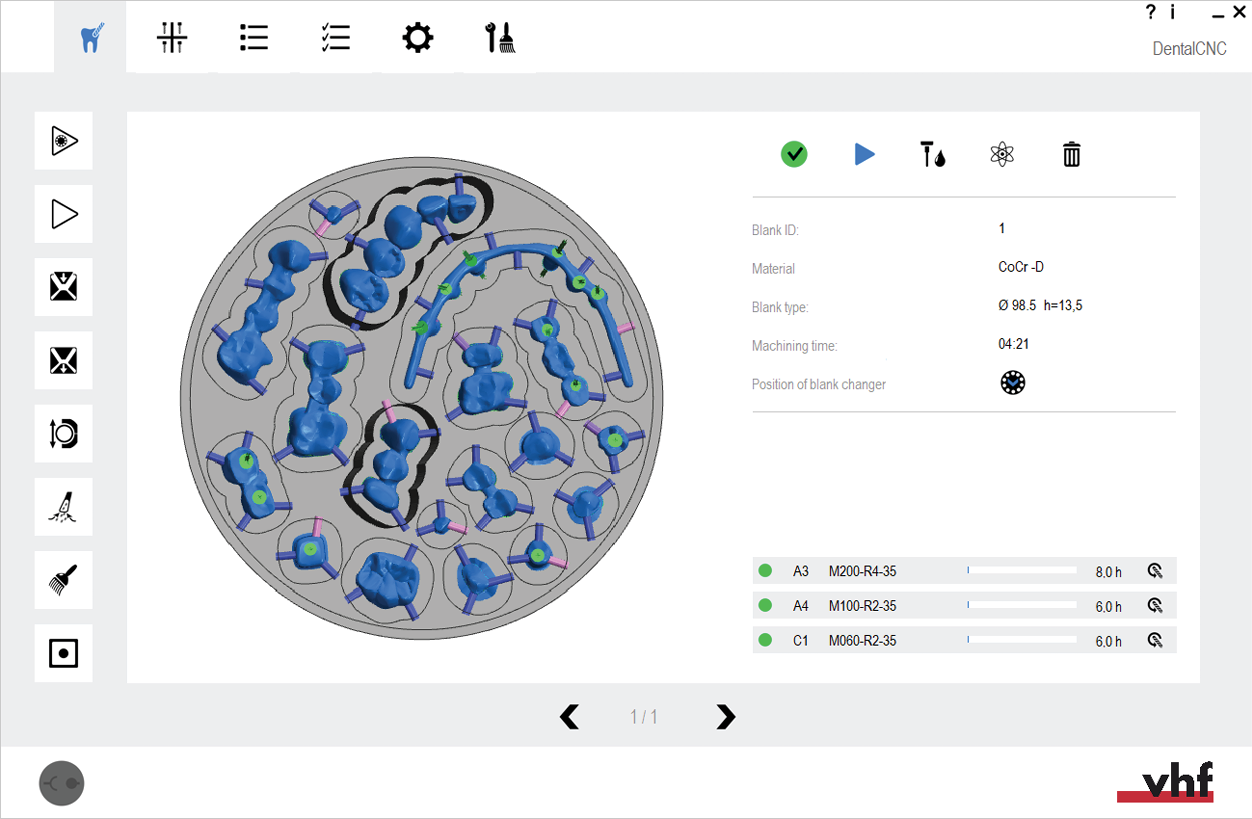
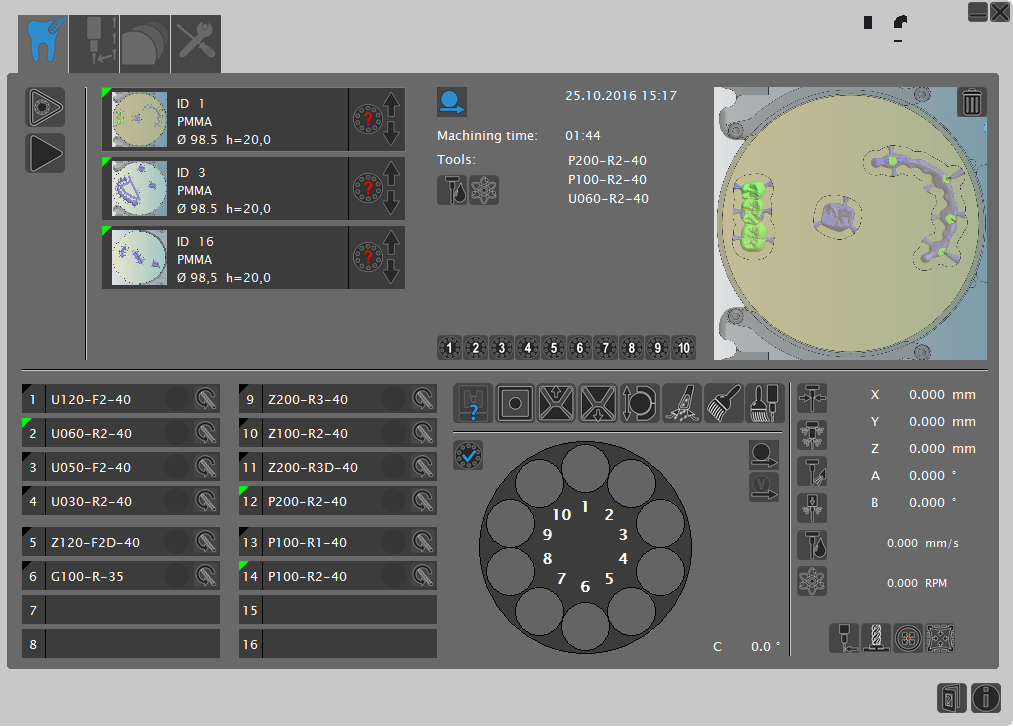
Choose the appropriate headline – do not select one of the images. The images will help you identify your version.
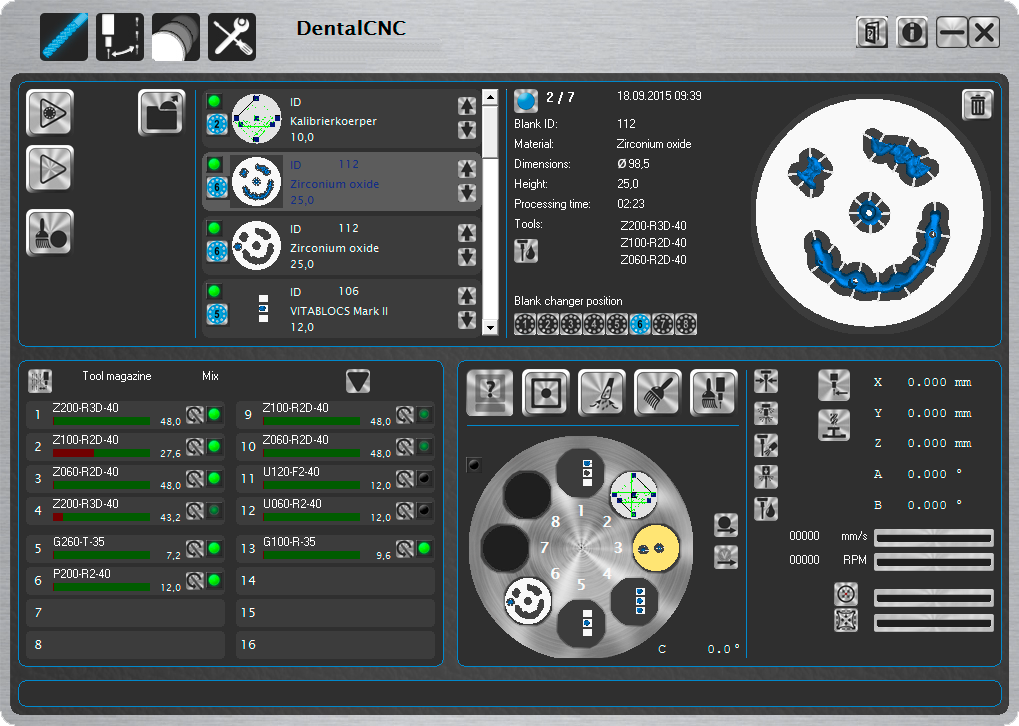
How to update from version dentalcnc 8

You have the following options:

  • Recommendation: You have the data transferred automatically from dentalcnc 8.

  • You can start right away with dentalcnc 9 without transferring any data.

How to update from version dentalcnc 7

You have the following options:

  • Transfer the data with the help of the vhf DCC software. This program allows you to transfer data with just a few clicks via a graphical user interface.

  • You can start right away with dentalcnc 9 without transferring any data.

How to prepare the update dentalcnc 6

To set up a machine that has previously been operated with dentalcnc 6, you will need to contact customer service. Otherwise, your machine will not work with dentalcnc 9.

  1. If you have already started the update process in dentalcnc 9 and the program indicates that the update requires manual preparation, select the Cancel button.

  2. (missing or bad snippet)
  3. Contact customer service.