Manufacturing settings for single materials

The manufacturing settings for single materials primarily involve configuring fit adjustments and grinding repetitions for specific applications.
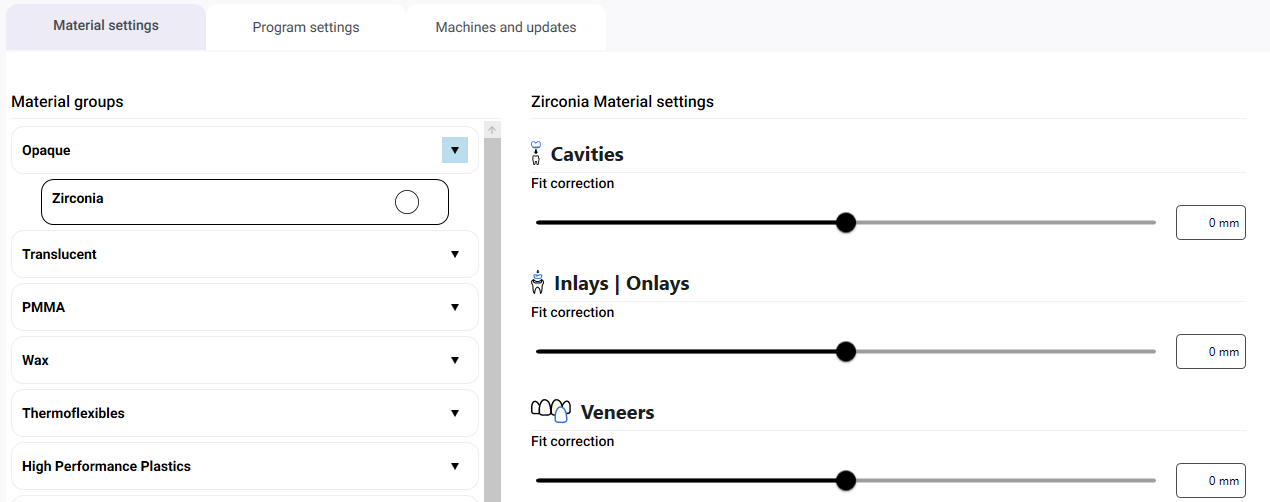
General fit adjustment
The size of fits often needs to be adjusted to account for the material, since different materials react differently to manufacturing by the tool. Use these fit adjustments to widen or narrow the individual fits to ensure that their manufacturing is optimal for the material used. Correcting the fits in dentalcam also means that you do not have to do this in your CAD application.
The lower the value, the less material is removed and the narrower the fit will become. The higher the value, the more material is removed and the wider the fit will become.
Correct the fits for the following applications:
-
Cavities
-
Inlays / Onlays
-
Veneers
-
Drill holes
Fit adjustment for twist protection
For drill holes, there is the Fit adjustment for twist protection setting.
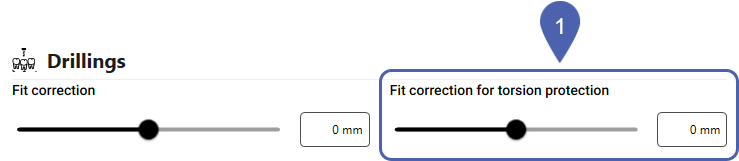
This allows you to determine the diameter of twist protections for abutments. The lower the value, the less material is removed and the narrower the twist protection will become. The higher the value, the more material is removed and the wider the twist protection will become.
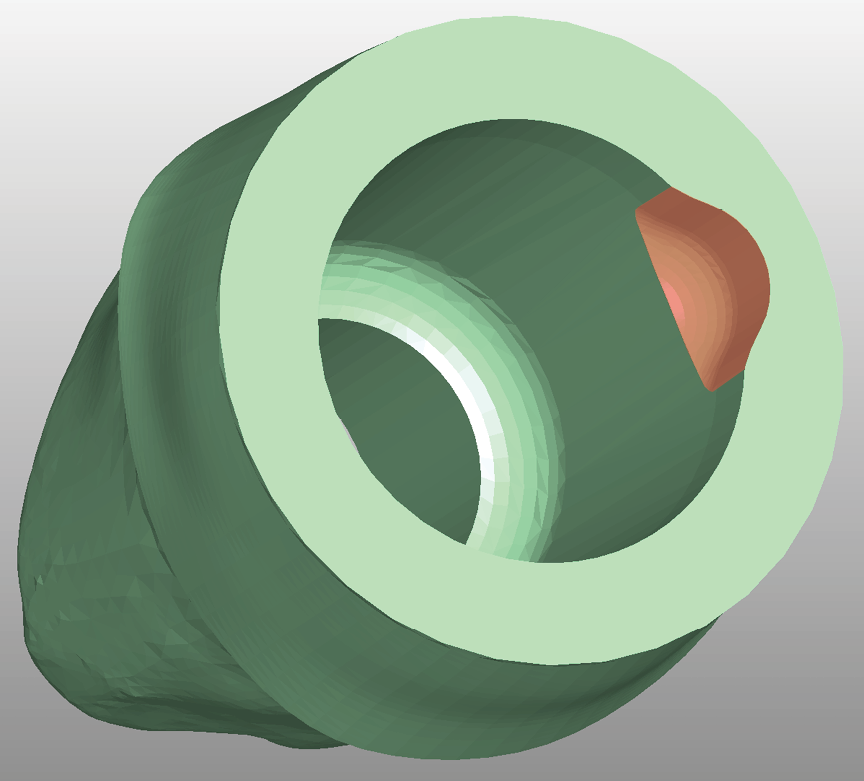
Abutment with twist protection (marked orange)
You must activate the optional tool x060-Rx in the parent material group for the Drill hole application. Otherwise, this setting will have no effect. The exact tool match code depends on the material group.
Example of Grade 5 titanium: M060-R2.
Grinding repetitions for drill holes
This setting determines how many times the finishing process for drill holes is repeated.
A higher number will result in higher precision, but also in more manufacturing time.
This approach is particularly important for implant-supported components: When manufacturing these components – such as abutments – the drill hole into which the titanium pin is inserted must be manufactured with high precision to ensure a tight fit.
Grinding repetitions for twist protection
For drill holes, there is the Grinding repetition for twist protection setting.
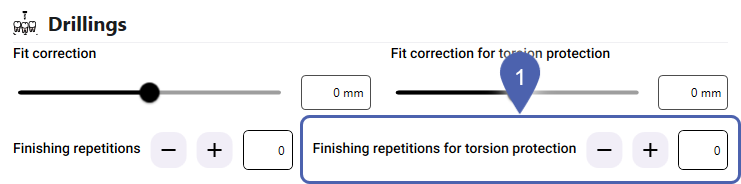
This setting determines how often the finishing process for twist protections is repeated.
A higher number will result in higher precision, but also in more manufacturing time.
For abutments, the twist protection must be manufactured with high precision to ensure a tight fit
You must activate the optional tool x060-Rx in the parent material group for the Drill hole application. Otherwise, this setting will have no effect. The exact tool match code depends on the material group.
Example of Grade 5 titanium: M060-R2.
Grinding repetitions for secondary crowns
This setting is available for the following individual materials in the Cavities section:
-
CoCr in the CoCr material group
-
Titanium Grade X in the Titanium Grade X material groups
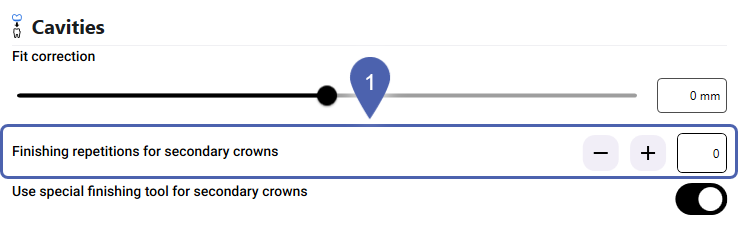
This setting determines how many times the finishing process is repeated for cavities in secondary crowns.
A higher number will result in higher precision, but also in more manufacturing time.
Using designated finishing tool for secondary crowns
This setting is available for the following individual materials in the Cavities section:
-
CoCr in the CoCr material group
-
Titanium Grade X in the Titanium Grade X material groups
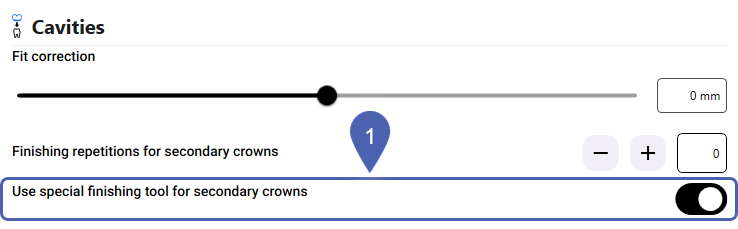
dentalcam can use a special tool for finishing the cavities in secondary crowns:
- M100-R2-35-C
Tools with and without the suffix -C refer to the same physical tool type. The two versions exist because they have a different tool life depending on their use.
Specialized tools can extend the tool life and improve quality.
Bar wall thickness for prefabricated abutments
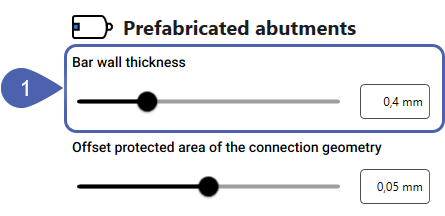
This setting allows you to specify the wall thickness of the connecting bar for prefabricated abutments. A thicker wall results in more stable bars, but also requires more manual rework.
Offset of the protected area of the connection geometry
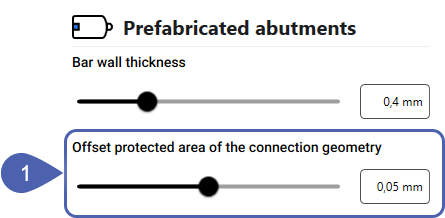
dentalcam creates a protected area around the connection geometry of prefabricated abutments that the tool does not come into contact with. This may result in residual material. This setting determines the distance between the connection geometry and the boundary of the protected area.
The smaller the protected area, the less manual rework is required. However, process reliability is also reduced.


