Using Ivoclar Ivotion discs with vhf dental machines

vhf supports the use of Ivoclar Ivotion discs through a validated process.
Supported machines
Ivoclar Ivotion discs can be used with the following vhf dental machines:
-
E5
-
K5 / K5+
-
R5
You need a specific Ivotion clamping aid for each machine type. Retrofit kits are available from customer service.
Validated Ivotionstrategies
The following validated Ivotionstrategies are currently available:
Strategy for monolithic Ivotiondiscs
Monolithic Ivotion discs combine dental and prosthetic base material.
Disc name in dentalcam Ivotion Denture
Advantages:
-
High quality of the complete prosthesis.
-
No gluing necessary.
-
Shortest machining time of all validated Ivotion strategies due to only 1 milling operation.
Disadvantage:
Not suitable for all patient applications.
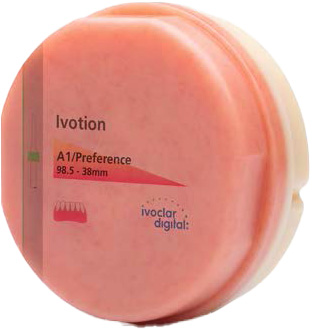
Monolithic Ivotion disc
Strategy for the Ivotionoversize process
The Ivotion oversize process uses 2 discs to manufacture dentures:
-
Ivotion Base: Gingiva-colored disc for the prosthesis base.
-
Ivotion dent: Tooth-colored disc for the dental arch. Also available as a multi-layer blank with the Multi add-on.
Advantages:
-
Suitable for most patient applications.
-
Adhesive residues are also ground.
-
High quality such as for monolithic discs.
Disadvantages:
- The dental arch and base prosthesis must be glued together.
-
Longer job duration due to 3 milling operations.
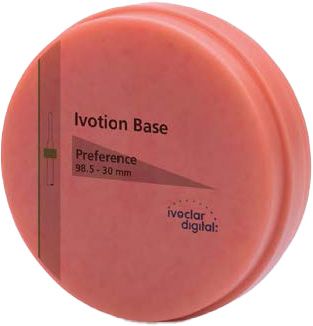
Ivotion base disc
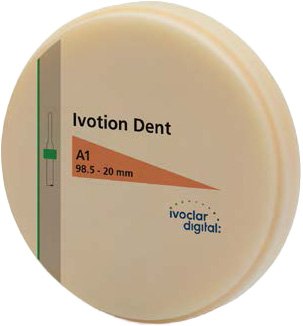
Ivotion dent disc
Workflows for Ivotion strategies
Each of the validated Ivotion strategies has its own associated workflow.
Monolithic Ivotion discs
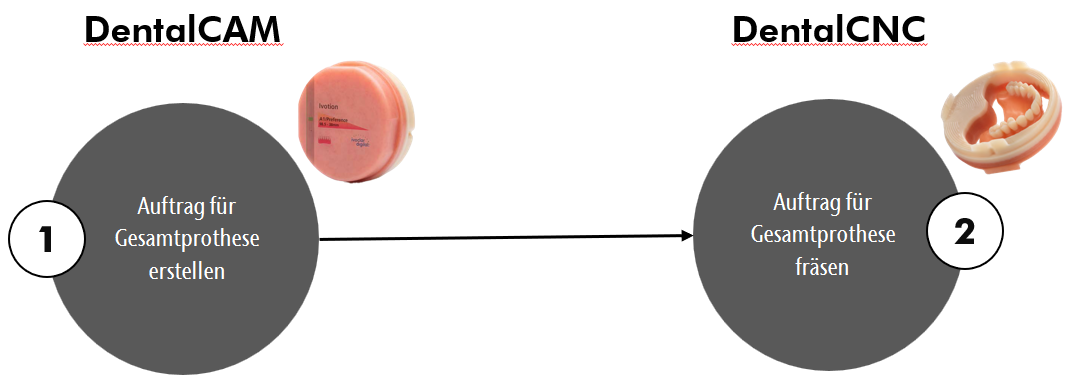
For monolithic Ivotion discs, mill 1 job.
-
Create, nest and calculate the job for the complete prosthesis in dentalcam.
-
Mount the monolithic disc with the help of the Ivotion clamping aid and mill the job.
Ivotion oversize process
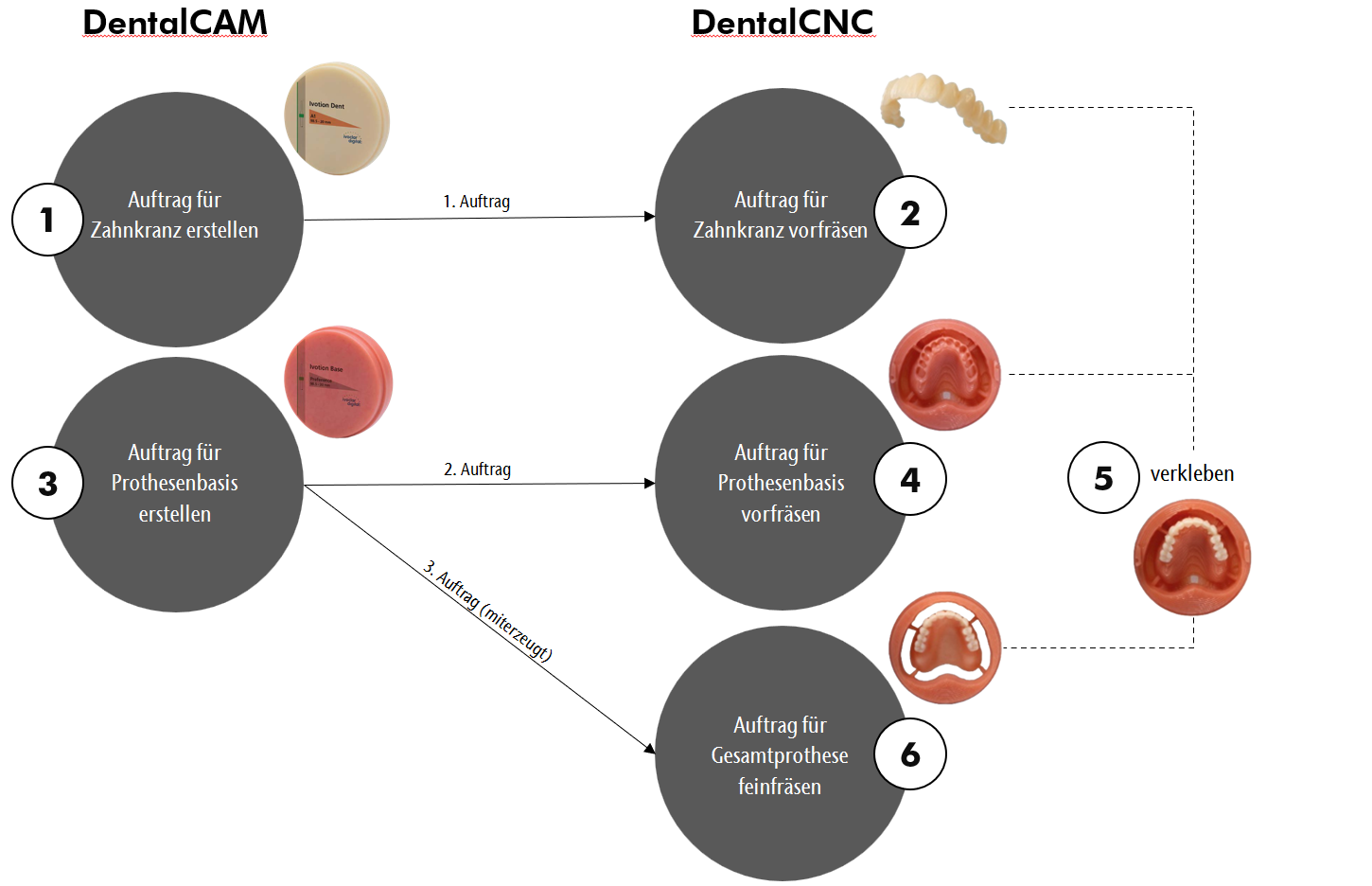
With the Ivotion oversize process, you mill 3 jobs.
-
Create, nest and calculate job 1 for the dental arch in dentalcam.
-
Ivotion Mount the dent disc without Ivotion a clamping aid and pre-mill job 1.
Only adhesive surfaces are ground, other surfaces are roughed.
-
Create, nest and calculate job 2 for the prosthesis base in dentalcam.
-
dentalcam automatically creates job 3 for the complete prosthesis.
-
-
Ivotion Mount the base disc without Ivotion a clamping aid and pre-mill job 2.
-
Only adhesive surfaces are ground, other surfaces are roughed.
-
For precise remounting, flat surfaces are milled into the edge of the disc.
-
-
Glue the dental arch and prosthesis base together.
-
Mount the disc with the complete prosthesis with the help of the Ivotion clamping aid and fine-mill job 3.
Ivotion disc types
For Ivotion jobs, use the following disc types in dentalcam:
|
Designation |
Use |
|---|---|
|
Ivotion Dent OS |
For dental arches in Ivotion Dent discs (solid color) |
|
Ivotion Dent Multi OS |
For dental arches in Ivotion Dent discs (multi-layered) |
|
Ivo Base CAD OS |
For prosthesis bases in Ivotion Base discs. |
|
Ivotion Denture |
For dental arches and prosthesis bases in monolithic discs |
|
Ivotion Dent 1:1 Ivotion Dent Multi 1:1 |
For dental arches in discs outside the validated Ivotion process, e.g., in PMMA discs. This workflow follows the standard workflow and is not described in this guide. |
|
Ivo Base CAD 1:1 |
For prosthesis bases in discs outside the validated Ivotion process, e.g., in PMMA discs. This workflow follows the standard workflow and is not described in this guide. |


